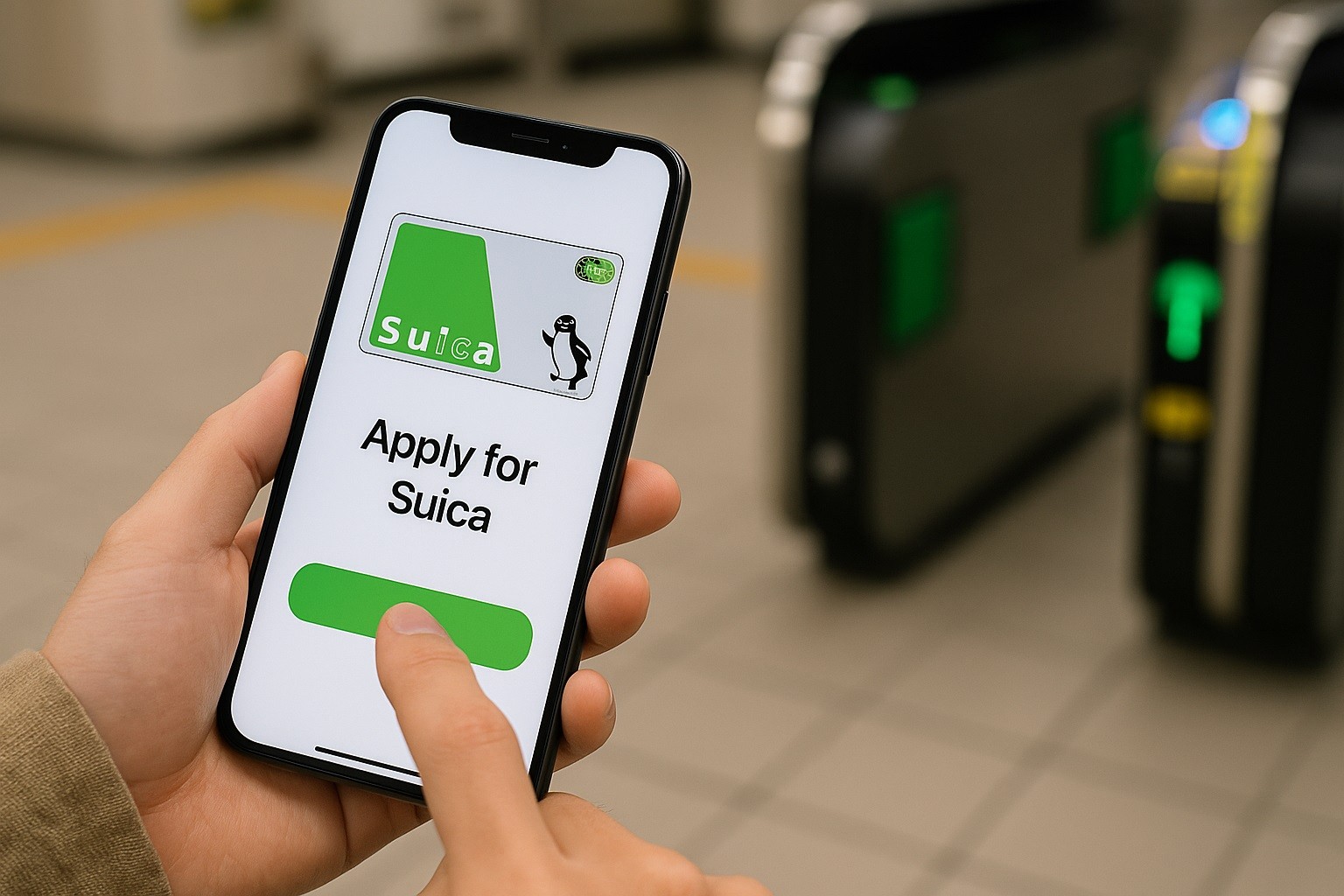
If you’re visiting or relocating to Japan, the Suica Card application is one of the simplest ways to pay fares on trains, subways, and buses.
Suica is issued by JR East (East Japan Railway Company) and comes in three practical flavors for travelers.
Below is a clear, step-by-step guide to getting the right one, how to use it, and where to get help if you need it.
What Is Suica Card (And Isn’t)?
Suica is a prepaid IC card (stored value). You load money and tap through the gate; fares are deducted automatically.
It’s not a bank account and, by itself, doesn’t charge interest. Credit interest rates only apply if you choose to pair Suica with a VIEW Card (JR East’s credit card).
The standard Suica requires a refundable ¥500 deposit at purchase; top-ups are cash-only at machines, and the maximum balance is ¥20,000.
Refunds return your remaining balance minus a handling fee and always give back the ¥500 deposit. If the card goes unused for 10 years, it becomes invalid.
Option 1: Standard Suica (Plastic Card)
Buy it at JR East stations from multilingual ticket machines or at ticket offices. You’ll see “Suica” clearly labeled on the machine.
It’s ideal if you want a physical card, plan to return the deposit, or if you’re on Android without local FeliCa support.
Costs and Limits
When you buy a new card, the price includes a ¥500 deposit. This card is widely accepted across JR East and other IC networks nationwide.
You can top up in ¥500/1,000/2,000/3,000/5,000/10,000 increments, cash only, up to a ¥20,000 balance.
Return the card at a JR East station to receive your remaining balance minus a ¥220 handling fee, plus your full ¥500 deposit.
Option 2: Welcome Suica (For Short-term Visitors)
Welcome Suica is a tourist card that does not require a deposit and is valid for 28 days from the purchase date.
It functions like Suica for transit and shopping but is designed for short stays.
No refunds are provided on unused balance (with limited exceptions for card malfunction).
Where To Buy
As of March 27, 2025, JR East sells Welcome Suica at Travel Service Centers in key stations, at Narita and Haneda Airport locations.
Availability at a few listed stations may be temporarily halted; check the live list before you go.
You can top up during the validity period (cash only) up to ¥20,000. Credit cards cannot be used to top up. There is no deposit on purchase.
Option 3: Mobile/Digital Suica (iPhone/Apple Watch)
There are two digital paths.
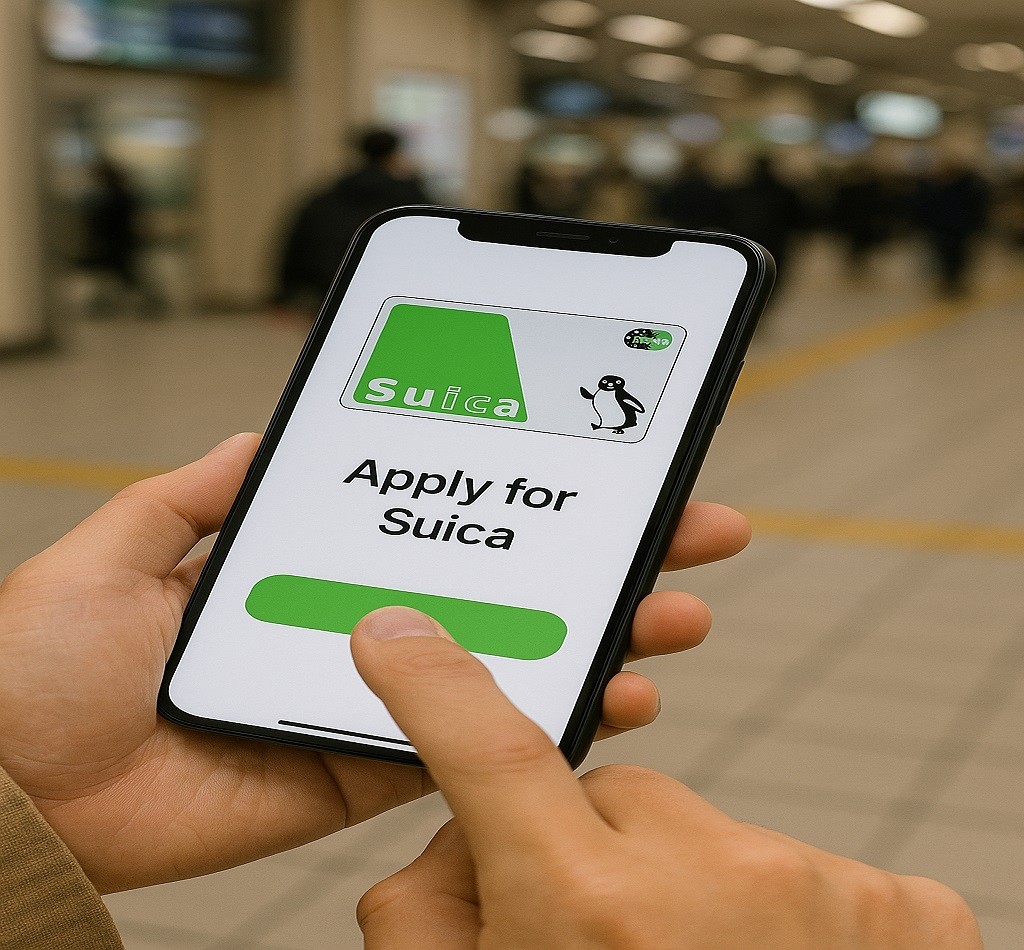
Add Suica directly to Apple Wallet (works for Suica/PASMO/ICOCA)
Open Wallet → Add → Transit Card → Suica, choose an amount, and confirm with Face ID/Touch ID.
You can also transfer a physical Suica into Wallet; the deposit is added to your Wallet balance, and the plastic card stops working.
Top-ups are done with a credit/prepaid card already in your Wallet.
Welcome Suica Mobile (iOS app for visitors)
The app lets you issue and top up your Suica digitally (before or after you enter Japan) and use it for transit and shopping.
It currently supports iPhone and Apple Watch (some iOS/watchOS versions may not be supported).
Expect integration with JR-EAST Train Reservation in fall 2025 for ticketless Shinkansen/express services.
Tip: If your iPhone supports Apple Pay, adding Suica directly to Apple Wallet is often the fastest method. Travelers who prefer an all-in-one JR East app experience can choose Welcome Suica Mobile.
How To Get a Suica Card: Suica Card Application
A) Standard Suica (plastic)
- Find a JR East ticket machine with the Suica mark.
- Choose language → Buy Suica → Select amount (includes ¥500 deposit).
- Pay cash, receive a card, and start tapping in/out. Top up at machines as needed.
B) Welcome Suica (plastic)
- Go to a JR EAST Travel Service Center or Welcome Suica vending machine (airports/stations listed by JR East).
- Choose an amount; no deposit required.
- Top up with cash during the 28-day validity. Keep the reference paper provided at purchase.
C) Mobile (Apple Wallet)
- Wallet → Add → Transit Card → Suica.
- Choose the load amount and confirm with Face ID/Touch ID.
- Top up within Wallet using a card you’ve added to Apple Pay.
D) Mobile (Welcome Suica Mobile app)
- Download Welcome Suica Mobile (iPhone/Apple Watch).
- Issue a digital Suica in the app and top up.
- Use your device at gates and shops displaying the IC symbol.
Coverage and use
Suica and Welcome Suica work across JR East lines and most rail/bus systems that participate in Japan’s Nationwide Mutual Use of IC cards.
For limited express or Green Car seats, you still need the relevant ticket.
If you travel beyond a card’s valid area or run out of balance, use a fare adjustment machine.
If You Want Auto-charge and Points: VIEW Card (Credit)
Many residents pair Suica with VIEW Card (JR East’s credit cards) to earn JRE POINT and enable auto-charge.
If you go this route, you’re entering credit territory—so interest/fees could apply depending on how you pay.
- Revolving payments (リボ): 13.2% APR (monthly 1.1%).
- Installment payments: 12.0% APR (3–10 payments); 15.0% APR (11–24 payments); two-installment plans have no fee.
- Cash advance (キャッシング): 18% APR.
VIEW Card lists its card families, annual fees, and features (auto-charge, JRE POINT, Suica integration) on its official site.
Official Contacts
Head Office address: 2-2-2 Yoyogi, Shibuya-ku, Tokyo, Japan.
JR East Infoline (English/Chinese/Korean): 050-2016-1603 (from overseas: +81-50-2016-1603).
Hours: 10:00–18:00 daily (except year-end/New Year holidays).
Conclusion
For most short-term visitors, Welcome Suica is the fastest way to start riding—no deposit and simple setup.
Long-stay travelers and residents often prefer a standard Suica (refundable deposit, long validity) or a mobile Suica in Apple Wallet for easy top-ups.
If you later want auto-charge and points, consider a VIEW Card, but remember that interest rates apply to revolving/installment/cash-advance payments.
Disclaimer: Information above is based on official JR East and VIEW Card sources and is current as of August 22, 2025. Product features, locations, hours, availability, and interest rates are subject to change. Please confirm details on the JR East/VIEW Card official sites or by calling the listed numbers.